
Este artículo está en inglés. Use el selector EN | ES para navegar el resto del sitio en español.
BillingFrom Signed Note to Paid Claim: 9 ABA Billing Features in TargetFlo
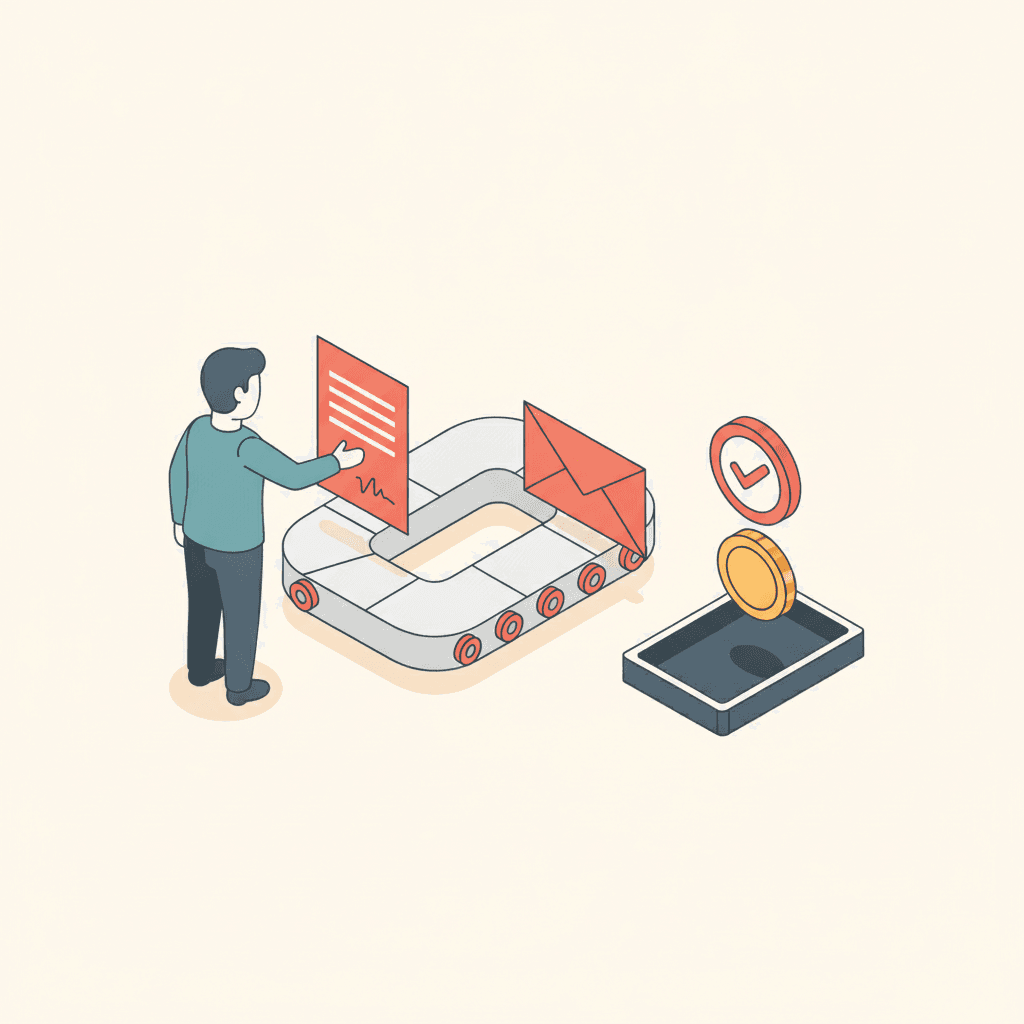
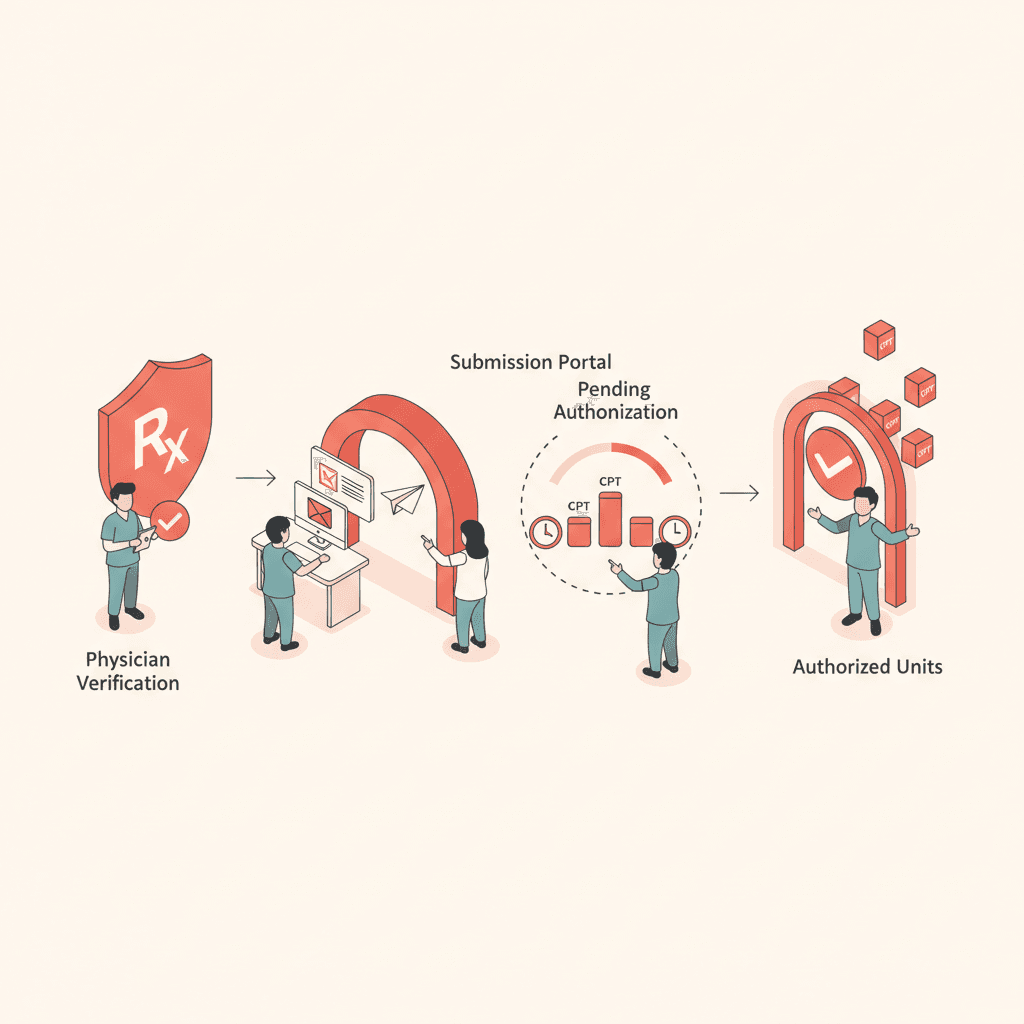
Nine billing and claims features that take an ABA session from signed note to posted payment: payer rules, charge capture, held charges, claim checks, 837P via Stedi, 277CA, 835 ERA, corrections, and shadow mode.
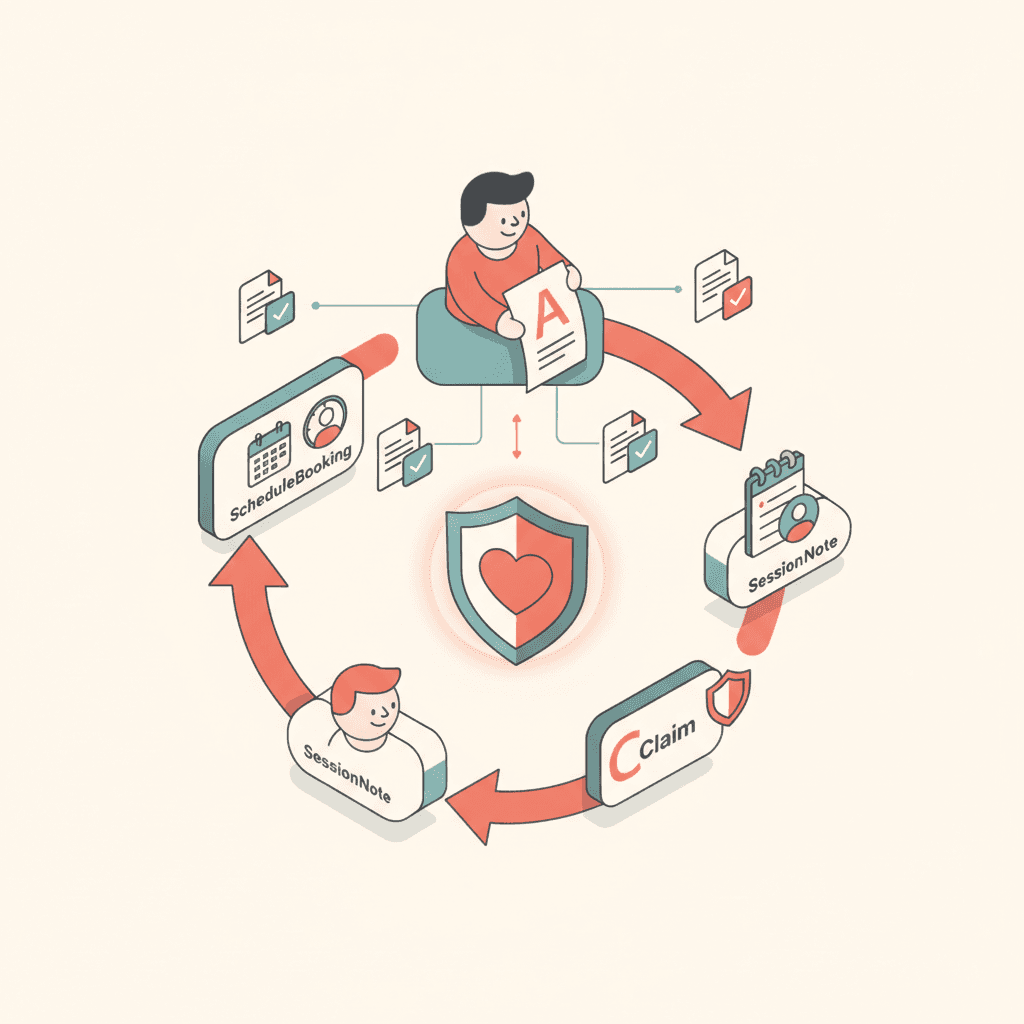
ABA billing breaks in the hand-offs: the session that was never linked to an authorization, the note signed three days late, the modifier nobody remembered. TargetFlo starts billing from the signed session note, so every claim line traces back to the session that earned it.
Here are the nine features between the signed note and the deposit.
1. Billing settings, once
Billing NPI, taxonomy, and EIN are entered once per organization.
2. Payer rules, per payer
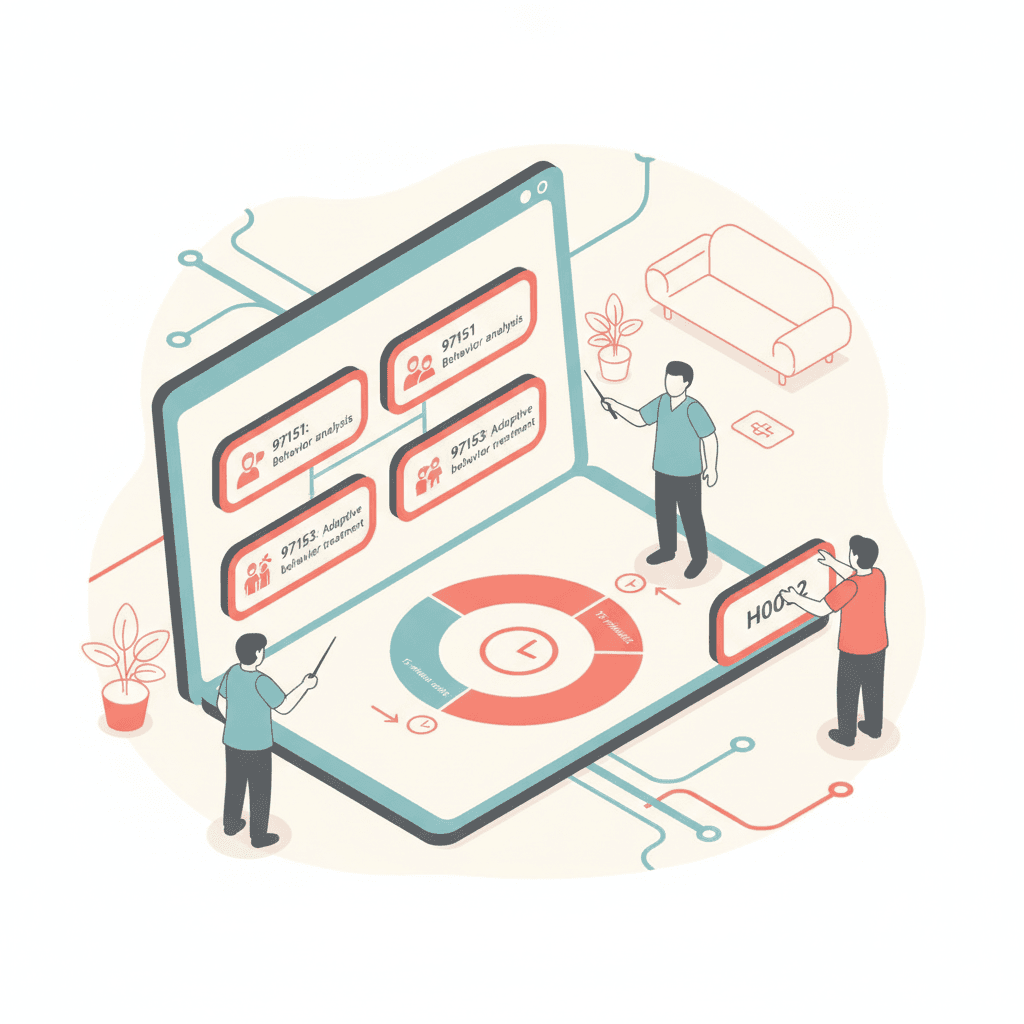
Contracted rate per code; unit rounding (CMS 8-minute, exact 15, or round down); credential modifiers such as HM, HN, and HO; the telehealth modifier; place of service; and timely filing — all stored per payer.
3. Charge capture from the signed note
Units come from actual session minutes with the payer's rounding rule. The authorization, modifiers, place of service, and supervising provider are filled in for you.
4. Held charges with a reason
No insurance, no authorization or units used up, missing NPI, rate, or diagnosis, past timely filing — a held charge says exactly what to fix. Fix the source and recheck, or release it with a note.
5. Claim checks and a review queue
Charges group into claims weekly or per session. Every claim is checked before approval: errors block, warnings need acknowledgment, and duplicates are caught.
6. 837P through Stedi, 277CA back
Approved claims go out as 837P. Acknowledgments mark each claim accepted or rejected, and status checks follow up on the quiet ones.
7. 835 ERA auto-posting
Payments post to the right claim line with CARC/RARC adjustments. Anything that doesn't match lands in an Unmatched queue, and payers without ERA get manual payments.
8. Corrections and voids
Frequency 7 corrections and frequency 8 voids stay linked to the original claim, so the history is always readable.
9. Shadow mode, then go live per payer
Build and check real claims without sending them, compare them with your current biller's export, and switch each payer live when the numbers match.
See the full chain on Billing & Claims, or read Authorization to Claim: The ABA Revenue Cycle Explained.
- ABA billing and claims software
- ABA claims 837P Stedi
- ABA ERA 835 payment posting
- ABA denial management
Véalo en TargetFlo
Saquemos la admisión del fax
Reserve una demo de 30 minutos: mapeamos su flujo de referidos al pipeline de 9 etapas, conectamos su fax y mostramos elegibilidad en admisión.
Reservar demoFAQ