
Este artículo está en inglés. Use el selector EN | ES para navegar el resto del sitio en español.
AIGoogle AI for ABA Clinical Documentation: Assistive Drafting Without Replacing Clinicians

Google AI clinical documentation ABA teams can use for assistive drafting—fill empty sections, refine prose, and keep BCBA sign-off on every Plan of Care.
Google AI for ABA Clinical Documentation: Assistive Drafting Without Replacing Clinicians
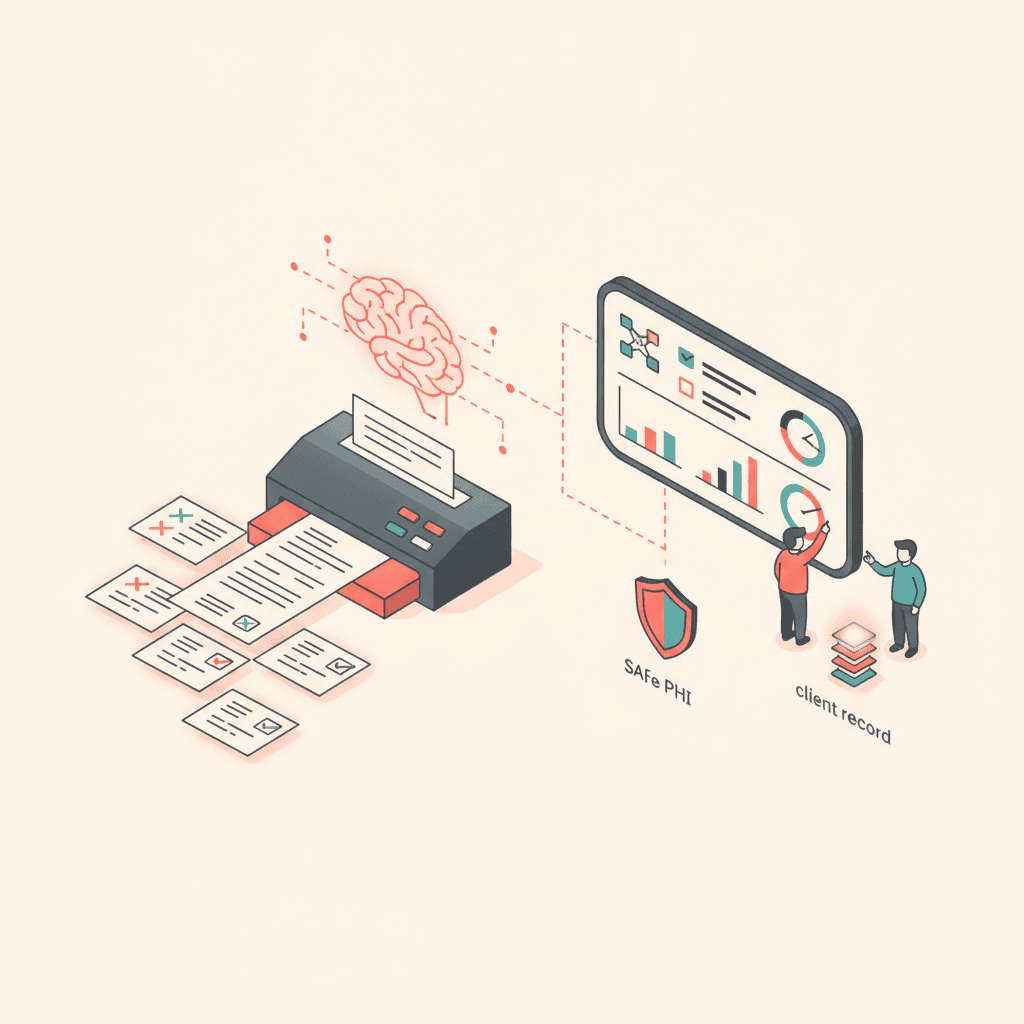
Google AI clinical documentation ABA workflows promise fewer blank screens at midnight—not fewer accountable clinicians in the morning. The useful version of AI in autism service settings helps authors transform assessment bullets into coherent medical necessity paragraphs, suggest goal wording tied to baselines, and tighten caregiver training sections without copy-pasting last year’s unrelated plan.
The harmful version auto-publishes clinical content nobody verified. TargetFlo implements the first pattern: assistive drafting inside clinical documentation templates, with human review and signature before anything reaches a payer or parent.
Where AI helps in the documentation lifecycle
Clinical documentation spans diagnostics, skill assessments, FBAs, BIPs, and Plans of Care. Each section has different evidence standards. AI is best applied where:
- Structured data already exists on the client record
- The author needs language consistency across long narratives
- Empty fields slow completion but the underlying facts are known
It is weakest where clinical judgment is novel—interpreting ambiguous behavior, choosing reduction strategies, or determining medical necessity without assessment support. Those decisions stay with licensed and credentialed staff.
Modes: fill empty, refine, and section drafts
TargetFlo’s AI integration approach centers on explicit modes so users know what the system will and will not do:
| Mode | Intended use | Clinician responsibility |
|---|---|---|
| Fill empty | Populate blank fields from prior sections | Verify accuracy and clinical fit |
| Refine | Improve clarity of staff-authored text | Confirm meaning unchanged |
| Section draft | Propose a first pass for one POC section | Edit, reject, or rewrite before sign |
None of these modes should publish a document automatically. The BCBA or qualified author signs the final version; parents sign where policy requires acknowledgment in the portal.
Tie AI output to source assessments
Assistive drafting quality rises when the model draws from the same record clinicians trust: ADOS-2 and related diagnostic summaries, skill assessment scores, FBA conclusions, and prior goal mastery data. When suggestions hallucinate facts not in the record, staff must catch the error—treat every suggestion as a draft, not ground truth.
Centers should train authors to compare AI paragraphs against assessment tables line by line before authorization submission. Software can highlight which source fields were used; humans still own the attestation.
Security and subprocessors
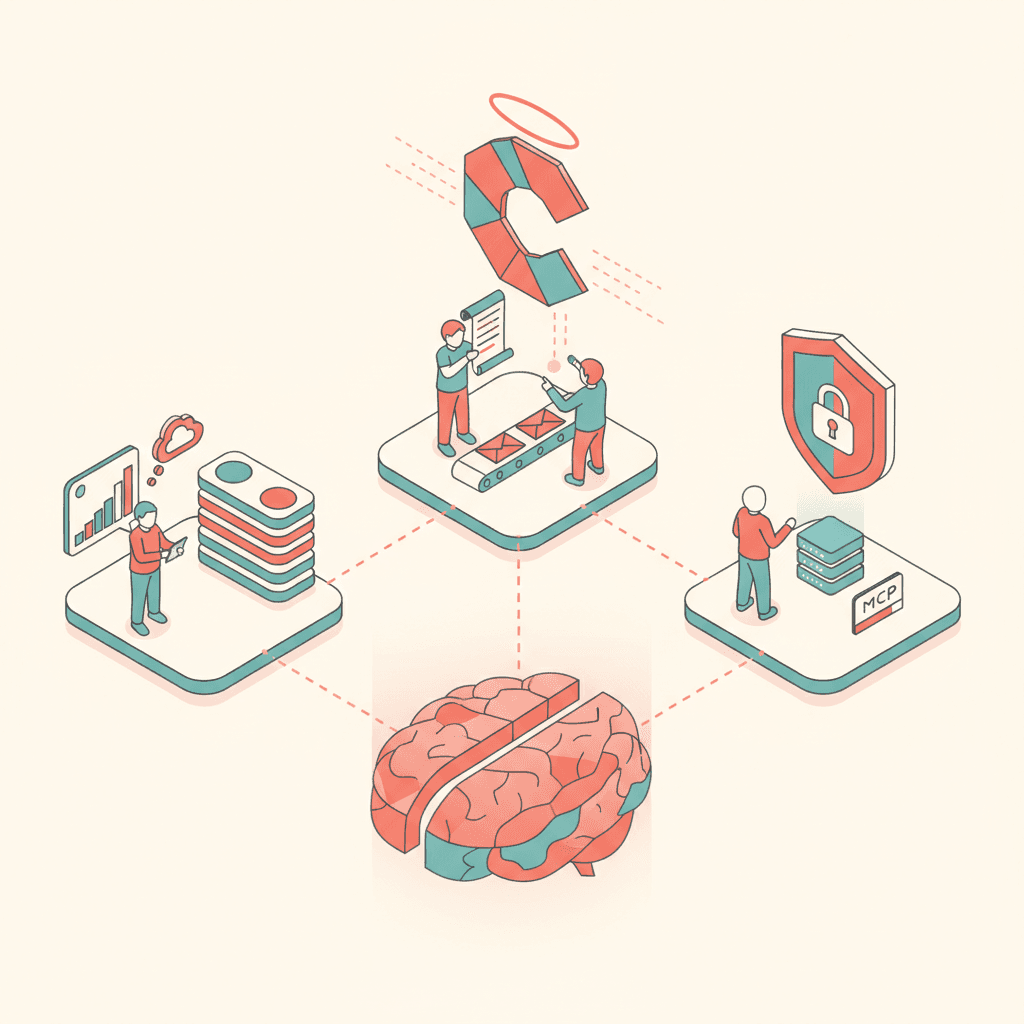
PHI sent to cloud AI services must fall under your vendor’s BAA chain and use HIPAA-eligible configurations. Ask whether prompts retain data, whether logs contain PHI, and whether tenants can disable AI features.
Read TargetFlo’s Google Cloud security overview alongside your organization’s risk analysis. Assistive features should not become shadow IT through personal browser tabs and consumer accounts.
Workflow placement in intake
Documentation AI belongs inside the same pipeline card that tracks diagnostics, POC, and pending authorization—not as a standalone chat window disconnected from version control. When a section draft is accepted, store it as part of the document revision awaiting signature. When rejected, keep the audit trail of what was proposed.
That placement preserves continuity for reauthorization: reviewers can see how goals evolved from assessment through signed plan, not a disconnected export.
Policies your clinical leadership should publish
- AI may suggest; clinicians approve
- No guaranteed payer outcomes from using AI
- Prohibited uses list (for example, generating diagnoses without assessment)
- Required second review for high-risk sections such as medical necessity
- Annual training refresh for new hires
Document these policies in your compliance manual; software defaults alone are insufficient for OCR audits.
Measuring value without hype
Track time-to-finalize POC sections, internal QA rework rate, and authorization delay reasons—not “AI usage counts” in isolation. If rework rises because staff accept drafts uncritically, tighten training before expanding scope.
TargetFlo does not promise faster approvals from Medicare, Medicaid, or commercial payers. Completeness and clarity may help; decisions remain with payers.
Reducing copy-paste errors across authors
Multi-location centers struggle when each site maintains its own phrasing for medical necessity or caregiver training. Assistive drafting from shared templates nudges language toward your clinical leadership’s preferred structure while still requiring per-client edits. The win is consistency in section headers and required disclosures, not identical paragraphs across unrelated children.
When a coordinator copies from an old POC in email, version drift is invisible until a payer compares dates. Keeping drafts on the record makes diffs obvious during reauthorization.
Training scenarios for new BCBAs
Use three practice cases in onboarding:
- Accept a section draft, edit two sentences, sign
- Reject a draft after finding an unsupported skill claim
- Fill empty fields from assessment data, then run the internal QA checklist
Each scenario should end in a signed or intentionally unsigned state—never a phantom “submitted by AI” status.
When not to use assistive drafting
Skip or disable AI suggestions for sensitive crisis plans until your clinical director defines policy, for externally authored diagnostic interpretations you cannot verify inside the platform, and for any section your compliance officer flags as requiring fully manual authorship. Document those exclusions in your center’s AI policy.
Coordinating with billing after clinical sign-off
After the BCBA signs, billing may still reformat hours for a specific MAC or attach supplemental forms. Assistive clinical text should remain editable until the final export locked for submission. Clear handoff timestamps prevent “billing changed the PDF without clinical awareness” disputes during audits.
Book a Demo
See assistive drafting modes inside structured clinical templates and how signatures gate publication. Book a Demo with our team.
Disclaimer
Educational content only; not legal or billing advice. AI features are assistive tools; clinicians retain responsibility for all clinical and billing documentation.
- Google AI
- clinical documentation
- ABA
- Gemini
- Plan of Care
Véalo en TargetFlo
Saquemos la admisión del fax
Reserve una demo de 30 minutos: mapeamos su flujo de referidos al pipeline de 9 etapas, conectamos su fax y mostramos elegibilidad en admisión.
Reservar demoFAQ