
Este artículo está en inglés. Use el selector EN | ES para navegar el resto del sitio en español.
BillingHow to Switch ABA Billing Software Without Risk: Shadow Mode in 5 Steps
How to move ABA billing to a new system safely: build and check claims in shadow mode without sending them, compare line by line with your current biller's CSV, then go live one payer at a time.
The scariest part of new billing software is the first month of claims. TargetFlo's Billing → Shadow comparison lets you prove the numbers before a single claim is sent.
1. Start every payer in shadow mode
New payers start in Shadow. Charges are captured, claims are built and scrubbed, and approved claims become Shadow ready — never sent.
2. Keep billing as you do today
Your current biller keeps submitting. Nothing changes for payers or cash flow.
3. Upload your current biller's CSV
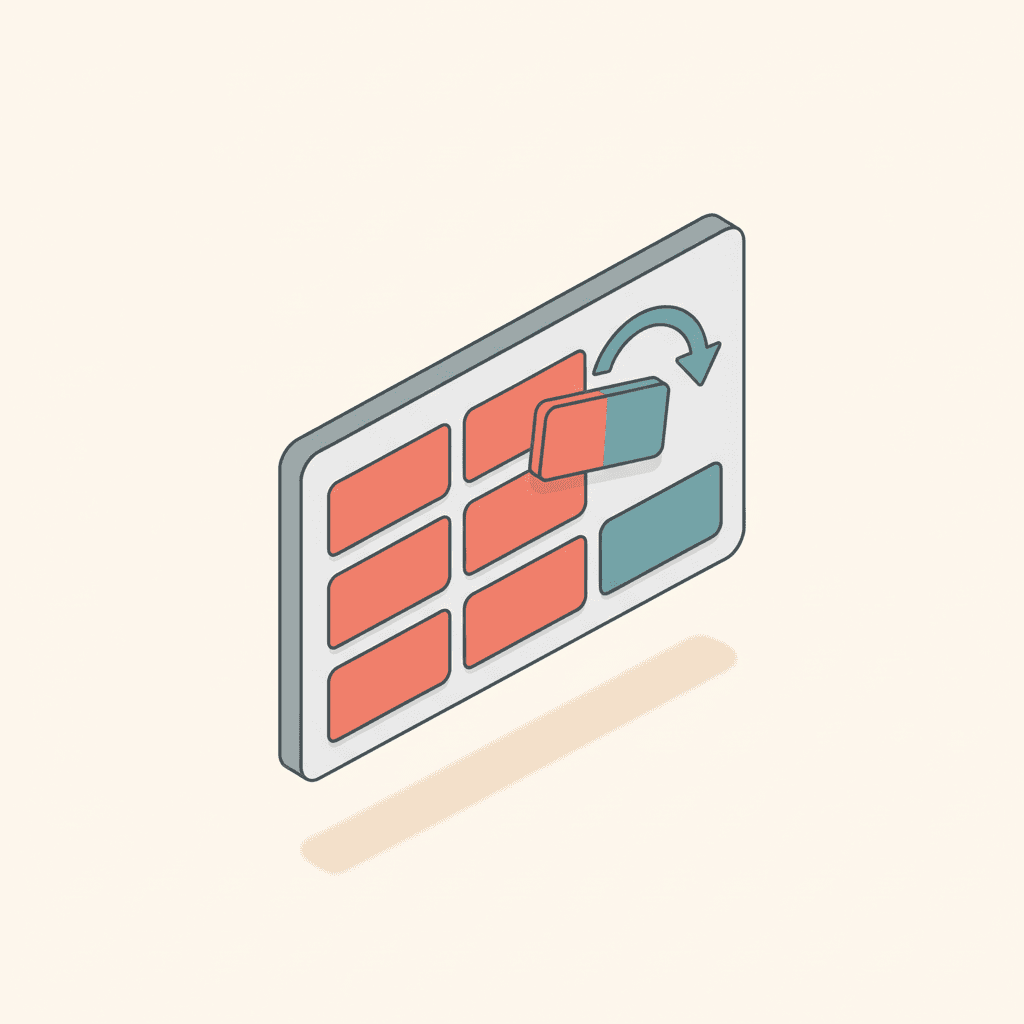
Columns: date of service, client ID, payer, CPT, units, modifiers, charge. TargetFlo pairs each row with a claim line on the same date, code and client, then compares payer, units, modifiers and charge.
4. Fix every difference at the source
A different unit count usually means a rounding rule; a missing modifier means a credential mapping; a different charge means a rate. Fix it in payer rules, rebuild, and compare again until it matches.
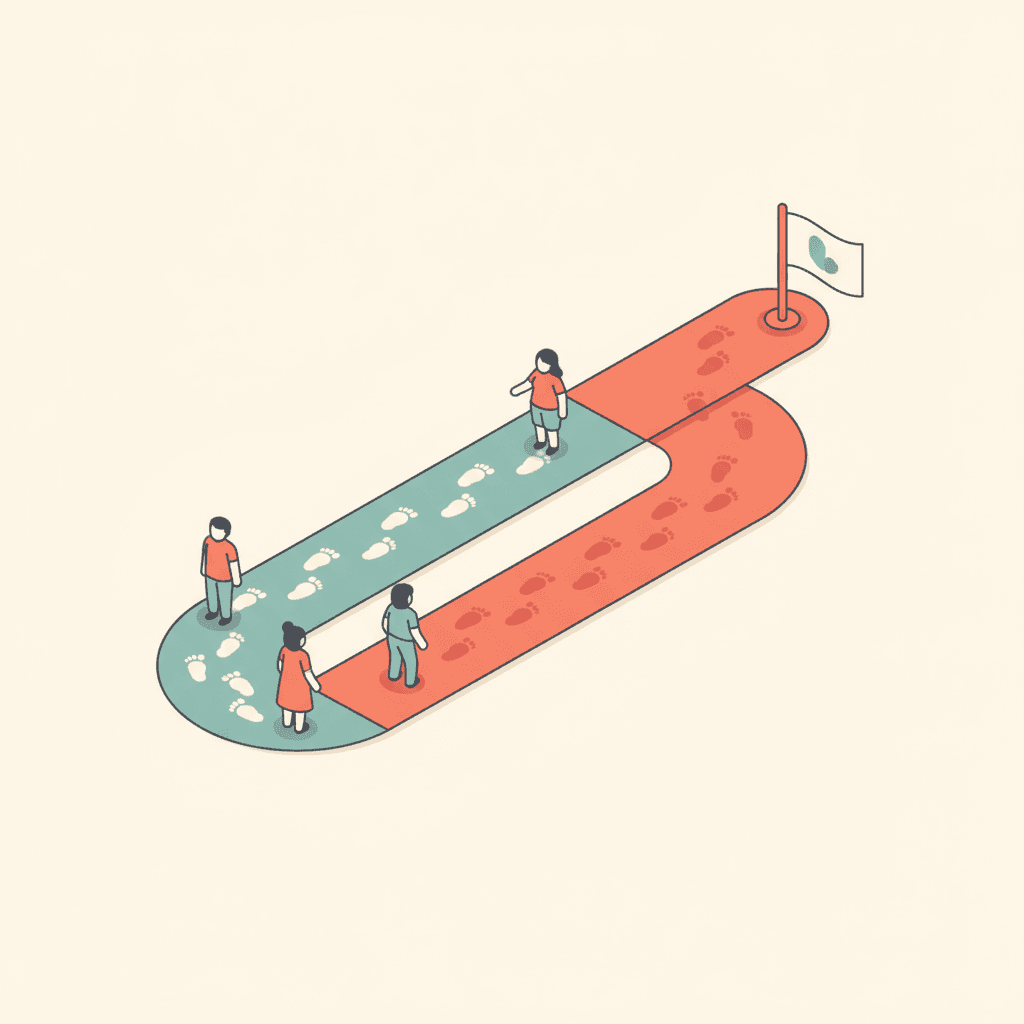
5. Go live, one payer at a time
Type the confirmation and the payer goes Live. From that day, approved claims go out through the clearinghouse. Stop submitting that payer in your old system the same day — duplicates get denied.
The Shadow vs live card on the revenue dashboard shows the switch month by month.
Related: From signed note to paid claim · Billing & Claims
- switch ABA billing software
- ABA billing parallel run
- ABA billing migration
- shadow billing
Véalo en TargetFlo
Saquemos la admisión del fax
Reserve una demo de 30 minutos: mapeamos su flujo de referidos al pipeline de 9 etapas, conectamos su fax y mostramos elegibilidad en admisión.
Reservar demoFAQ