
Este artículo está en inglés. Use el selector EN | ES para navegar el resto del sitio en español.
SchedulingHow to Schedule ABA Sessions That Stay Billable: 10 Calendar Features

A step-by-step guide to ABA scheduling that protects billing: units per CPT line, weekly caps, credential checks, availability, leave cover, recurring series, and a completion gate.
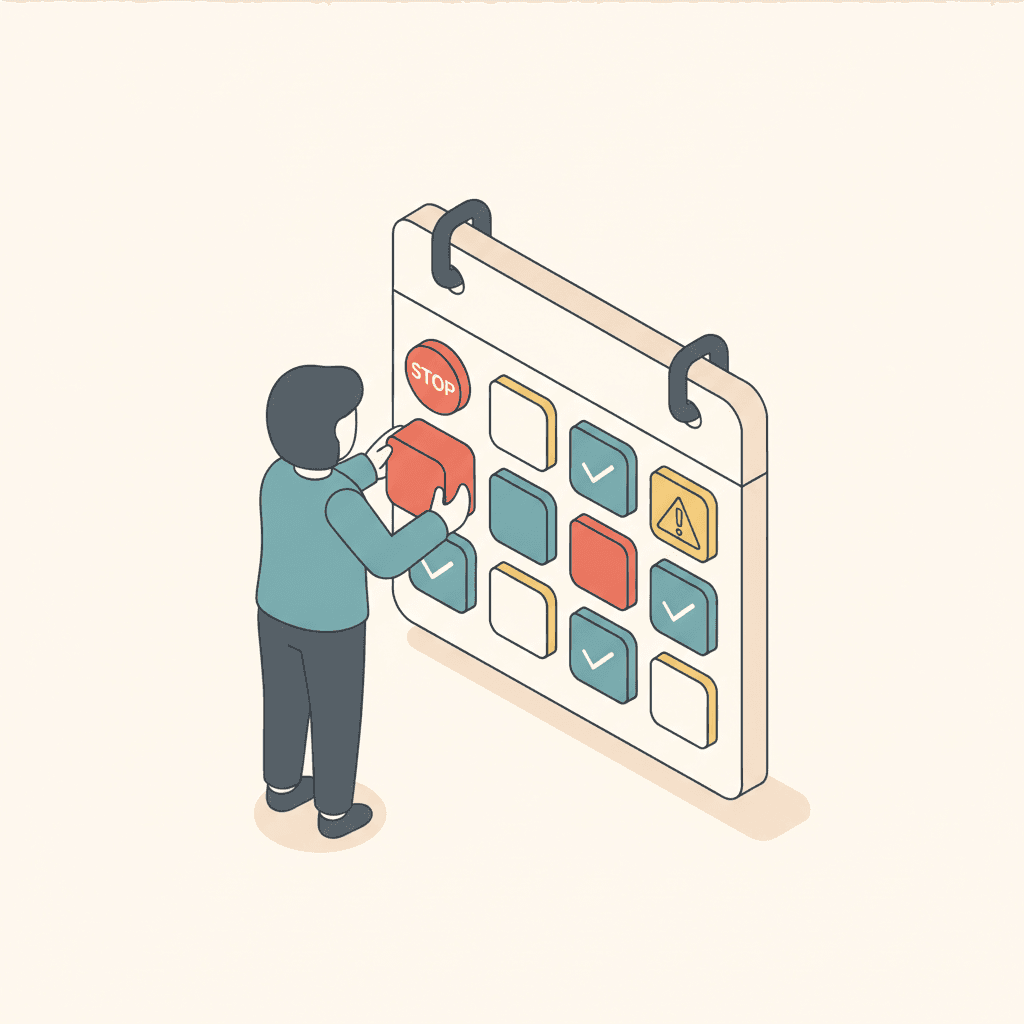
In ABA, a session that can't be billed is usually a scheduling problem that nobody saw in time: the wrong code for the renderer, a week already over the authorization, a technician on leave. TargetFlo's Schedule (Clinical menu) checks those things while you book, not after the claim is denied.
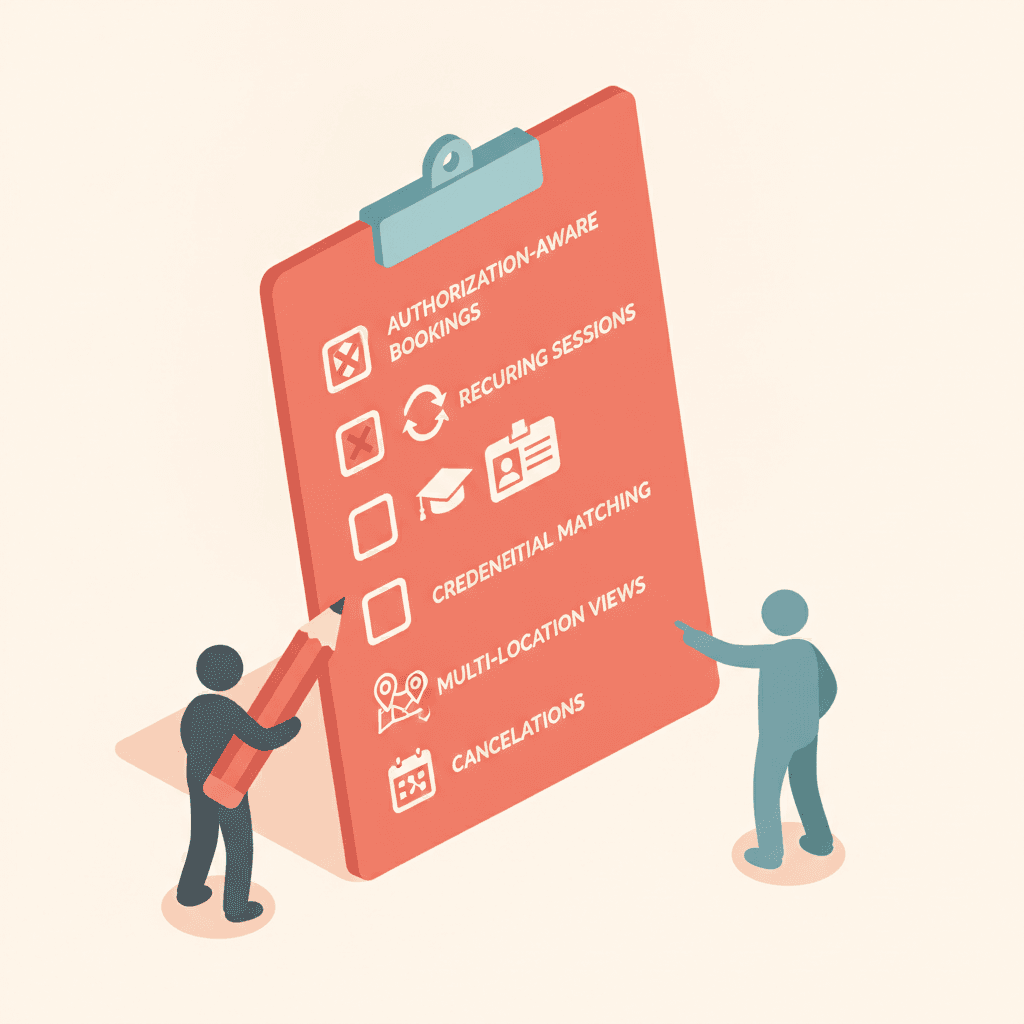
Here is how to set up a schedule that stays billable, in ten steps.
1. Book against an authorization line, not a guess
Every billable session draws on an authorization line for its CPT code (97153, 97155, 97156 …). The authorization holds units per code; the calendar uses them.
2. Let the calendar compute utilization
Completed + scheduled = used; remaining = total − used. Nothing is typed by hand, so the numbers can't drift. Cancelled and no-show sessions return their units.
3. Watch the weekly cap
Book past a line's weekly cap and the week shows Overbooked; leave hours unused and it shows Underbooked. Both appear in the action items.
4. Check the renderer's credentials
If the team member isn't qualified for the code (credential, paraprofessional grace period, or the renderer roles the payer allows), the booking is blocked. An Admin can override with a reason, and the override is kept in the event history.
5. Respect availability
Client and team availability windows are part of the calendar. Booking outside them shows Unavailable.
6. Plan around approved leave
When a team member's leave is approved, their sessions are flagged and TargetFlo suggests qualified staff who can cover.
7. Block double-booking
A client or a team member can't be in two sessions at once (group events excepted). Telehealth on a code that doesn't allow it, such as 97153, is blocked too.
8. Use recurring series
Weekly series keep their local time across daylight saving time. Edit this, this and following, or all — completed sessions never change.
9. Work the action items
Cancellations needing rebooking, unassigned sessions, authorization issues (expired, expiring in 60 days without a reauthorization, sessions without a line, lines 90 % used) and over/under-booked weeks — one list, every morning.
10. Complete only what can be billed
Marking a billable session completed without an authorization line, or beyond the line's total, is blocked. Completion starts data collection and the signed note, which is what makes the session billable.
Related: 6 scheduling checks that stop unbillable sessions · How to manage ABA reauthorizations · Scheduling & Authorizations
- how to schedule ABA sessions
- ABA scheduling software
- ABA authorization units
- ABA calendar
Véalo en TargetFlo
Saquemos la admisión del fax
Reserve una demo de 30 minutos: mapeamos su flujo de referidos al pipeline de 9 etapas, conectamos su fax y mostramos elegibilidad en admisión.
Reservar demoFAQ