
How ABA ERA (835) Payment Posting Works: 8 Steps from Remittance to Balance
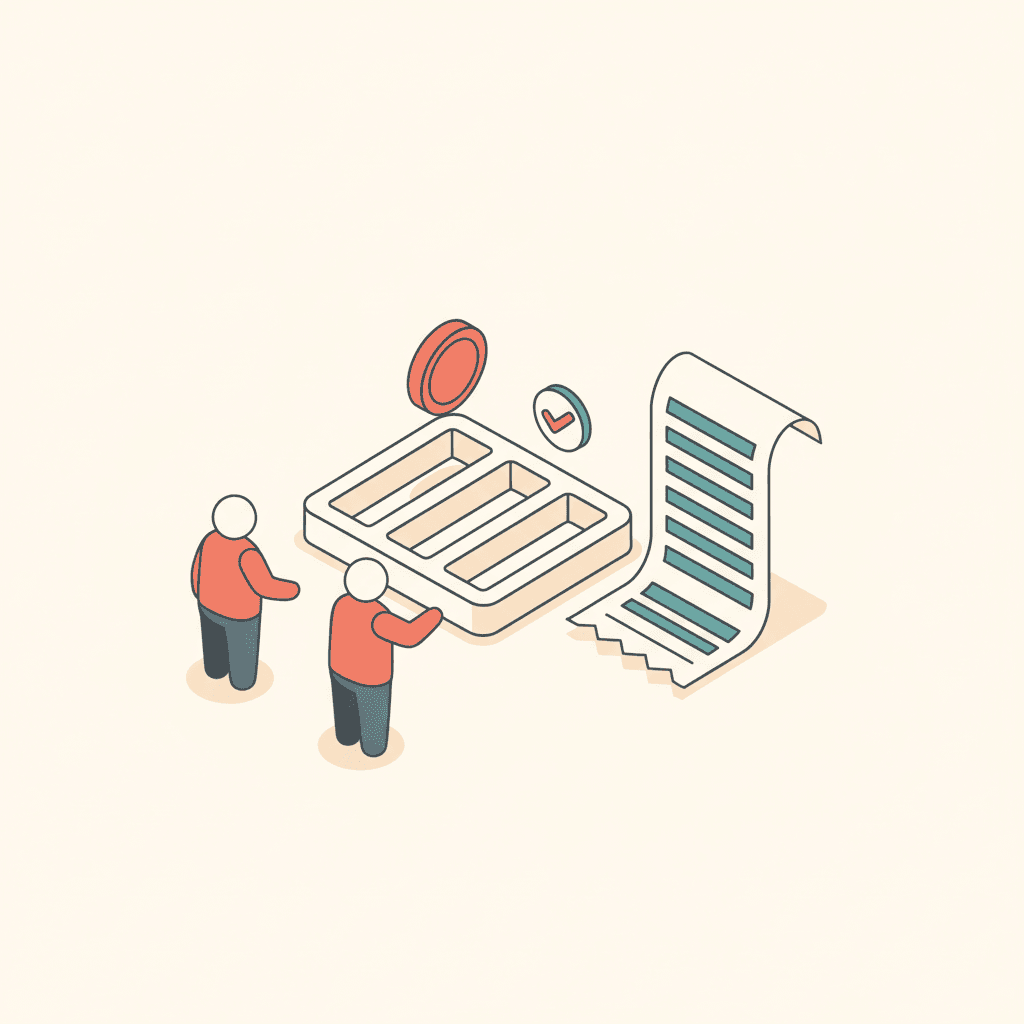
How electronic remittance advice (835 ERA) is posted in ABA billing: matching by patient control number, line-level posting with CARC/RARC adjustments, patient responsibility, unmatched payments and manual entry.
An 835 electronic remittance advice (ERA) tells you what the payer paid, adjusted and denied — line by line. TargetFlo's Billing → Payments posts it for you, and shows what it couldn't place.
1. The ERA arrives on its own
The clearinghouse notifies TargetFlo when a remittance is ready, and a daily check picks up anything a notification missed. Each remittance is stored once, so it can't post twice.
2. Match the claim
By the patient control number TargetFlo sent on the claim, then by the payer's claim number. Exactly one match → posted.
3. Match the lines
By the line control number sent with each line, otherwise by code and date of service when exactly one line fits.
4. Post amounts per line
Paid, allowed and patient responsibility go on each line; claim totals add up from the lines. Reversals are negative and net out.
5. Keep every adjustment
Each CAS adjustment is stored with its group code, CARC and RARC — the reason, not just the amount.
6. Set the claim status
Paid, partially paid, denied, or accepted-awaiting-readjudication — calculated from running totals.
7. Create denial work items
Any adjustment that isn't CO-45 or patient responsibility becomes a denial work item, grouped by claim and reason code.
8. Work the Unmatched queue
No match, several matches, or a claim already paid by hand → Unmatched. A person picks the claim; TargetFlo never guesses.
Manual payments (paper checks, payers without ERA) post through exactly the same rules.
Related: ABA clearinghouse checklist · ABA revenue dashboard metrics · Billing & Claims
- ABA ERA posting
- 835 payment posting
- ABA electronic remittance advice
- CARC RARC codes ABA
See it in TargetFlo
Move intake out of the fax inbox
Book a 30-minute demo and we’ll map your referral flow to the 9-stage pipeline, connect your fax provider, and show eligibility checks at intake.
Book a DemoFAQ