
ABA Data Collection on iPhone and Android: What RBTs Need
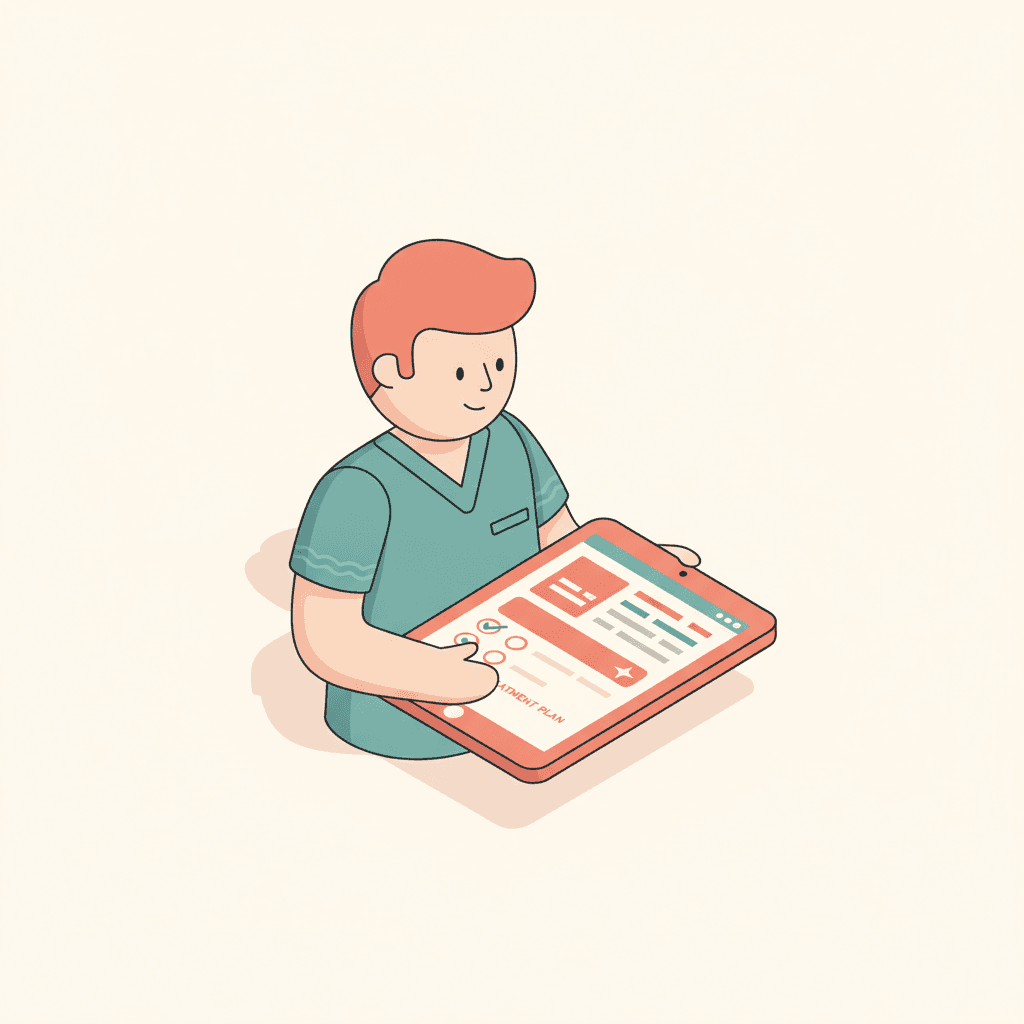
What to look for in an ABA data collection app for iPhone and Android: speed, timers, a send queue for poor connections, signed notes and role-based access.
RBTs collect data while working with a child, often standing, often with one hand free. An app that is fine at a desk can fail in a session. Here is what to look for.
What an RBT needs from the screen
- Today first. Open the app and see today's sessions. No hunting for a client.
- Targets in program order, with your organization's prompt hierarchy.
- One tap per response, one tap to undo. Large buttons, no confirmation dialogs.
- Timers that keep running through target switches, screen lock and app switching.
- Interval beeps at each boundary for interval targets.
- A send queue that retries so a bad connection does not lose or double count taps.
- Switching devices mid-session without losing data.
- The note at the end, written and signed on the same device.
Native apps vs the browser
Native apps feel faster, keep timers more reliably and can send push notifications. A browser works on any device without installation. Having both lets a center support personal phones, shared tablets and loaner devices.
What happens after the session
A signed note should create the charge, so billing never depends on a second round of typing. Signed session notes in TargetFlo gate billing, and corrections are signed addenda.
Access and privacy
Mobile users should see only the clients and screens their role allows, with short-lived sessions that can be revoked. See TargetFlo's mobile apps and the data collection app.
- ABA data collection app iPhone
- ABA data collection app Android
- RBT data collection app
- ABA session notes app
- mobile ABA software
See it in TargetFlo
Run a session in the demo
Book a 30-minute demo. We start a session from the schedule, collect trials, timers and ABC on a tablet, graph the target against its mastery line, and sign the note that makes the session billable.
Book a DemoFAQ