ABA Data Collection App
Live todayThe ABA data collection app RBTs can run a whole session on
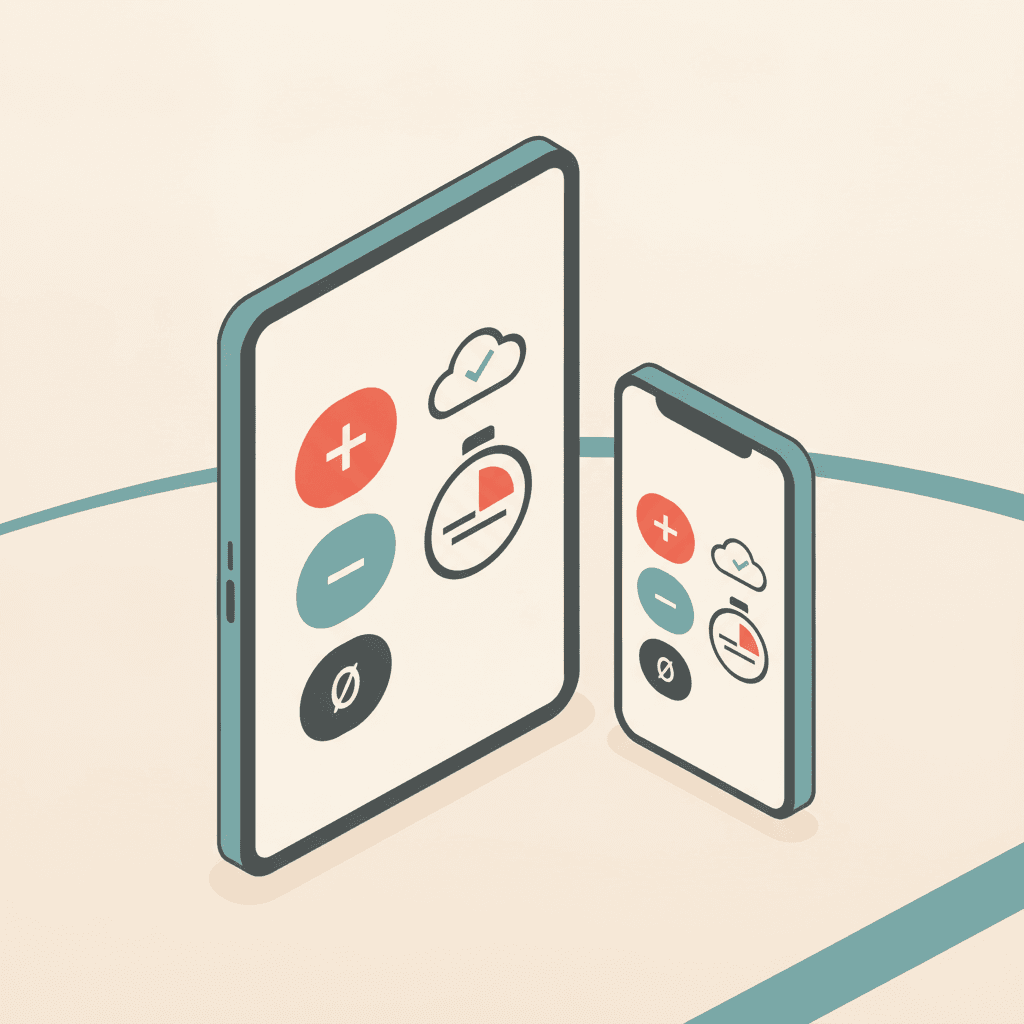
Start from the schedule, tap through trials with your own prompt levels, and keep going through screen lock, target switches and a shaky connection.
What is an ABA data collection app?
An ABA data collection app is software RBTs use on a tablet or phone to record client responses during a session — trials, counts, durations, latencies, intervals and ABC events — instead of paper data sheets. In TargetFlo it is connected to the schedule and the client's programming, so the right targets appear automatically, and it ends in a signed session note that makes the session billable. See the clinical data collection guides.
At the table
Built for the way sessions actually run
All live today.
Start from today's schedule
Tap a scheduled session; the client's active targets load in program order, with caregiver goals first on parent training.
One tap per response
Big +, −, no-response and prompt-level buttons. Undo the last tap in one tap.
Your prompt hierarchy
FP, PP, M, G and V by default, editable per organization and per target. Independent responses are always scored +.
Timers that keep running
Durations and latencies come from timestamps, so they survive target switches, screen lock and app switching.
Interval beeps
Partial, whole and momentary interval targets beep and vibrate at each boundary.
Safe on a weak connection
Every tap has its own ID and a send queue retries until the server has it. Nothing is lost or double-counted.
Switch devices mid-session
Continue on another tablet or phone without losing data. Late entry is allowed up to five days and is flagged.
Tablet, phone or laptop
Any browser, plus native iPhone, iPad and Android apps on the same server, so every device gives the same results.
One tap per response
Live todayBig buttons, the right prompts, running totals
Each target shows its discriminative stimulus, your prompt hierarchy and the running percent independent and percent correct. Skip a target or add one mid-session.
- Undo the last tap without hunting through a list
- End, resume the same day, then submit when the queue is empty
- Timers keep running while you switch targets
- Late entry up to five days, clearly flagged
Communication · Mands for preferred items
Requests “more” + item
Compare
What changes when the app fits the session
Questions to ask about any ABA data collection app.
| Moment | Typical app | TargetFlo |
|---|---|---|
| Start a session | Find the client, pick targets | Tap today's scheduled session |
| Prompt levels | Fixed list | Your organization's hierarchy, per-target override |
| Timers | Stop when the screen locks | Run from timestamps |
| Connection drops | Taps lost | Send queue retries, no double-counts |
| Mastery | Percent correct, prompts included | Percent independent |
| After the session | Re-key notes | Sign the note; the session becomes billable |
Clinical data collection
Guides for RBTs and BCBAs
Measurement, prompting, ABC and notes — each ends with how it works in TargetFlo.
FAQ
ABA data collection app FAQs
Devices, offline, data types and permissions.
Related features
Try it on a tablet in the demo
Book a demo. We start a session from the schedule, collect trials, timers and ABC, and sign the note.