ABA Data Collection Software: 12 Features to Compare Before You Choose
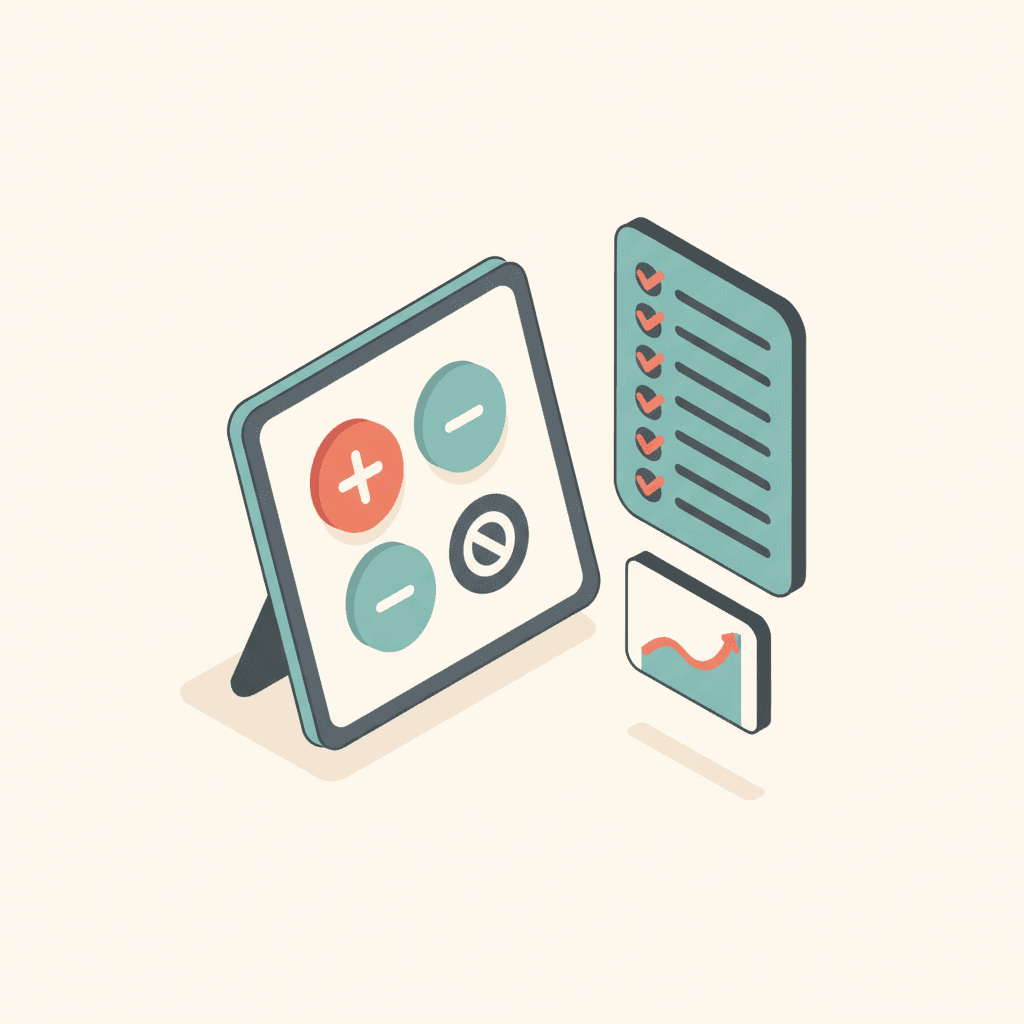
A 12-point checklist for choosing ABA data collection software: measurement types, prompt levels, timers, sync, graphs, mastery, session notes and the link to billing.
The best ABA data collection software lets an RBT run a whole session without looking down for long, gives the BCBA graphs they can trust, and ends in a signed note that makes the session billable. Use the 12 checks below to compare any app, including ours.
1. Every measurement type your programs use
Discrete trials with prompt levels, frequency, duration, latency, interval recording, task analysis and ABC. If an app forces you to paper for one of these, the BCBA ends up with half a data set. See the measurement procedures cheat sheet.
2. Your prompt hierarchy, not a fixed one
Prompts should match how your clinic teaches. Look for an organization-wide hierarchy with per-target overrides, and a clear rule that prompted responses do not count as independent. See ABA prompt hierarchy explained.
3. Starting from the schedule
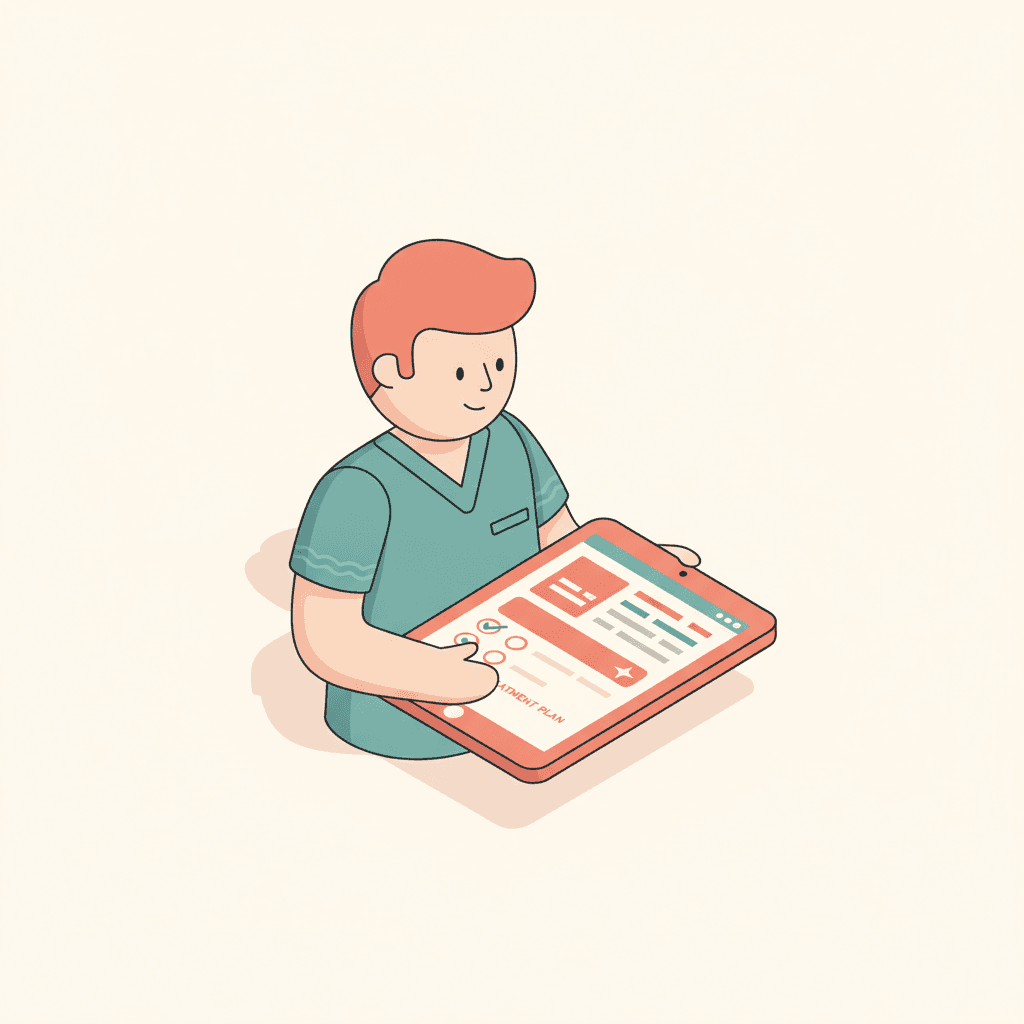
Today's sessions should already be on the screen. Starting from a scheduled event ties the data to the right client, rendering provider, CPT code and authorization.
4. Timers that survive real sessions
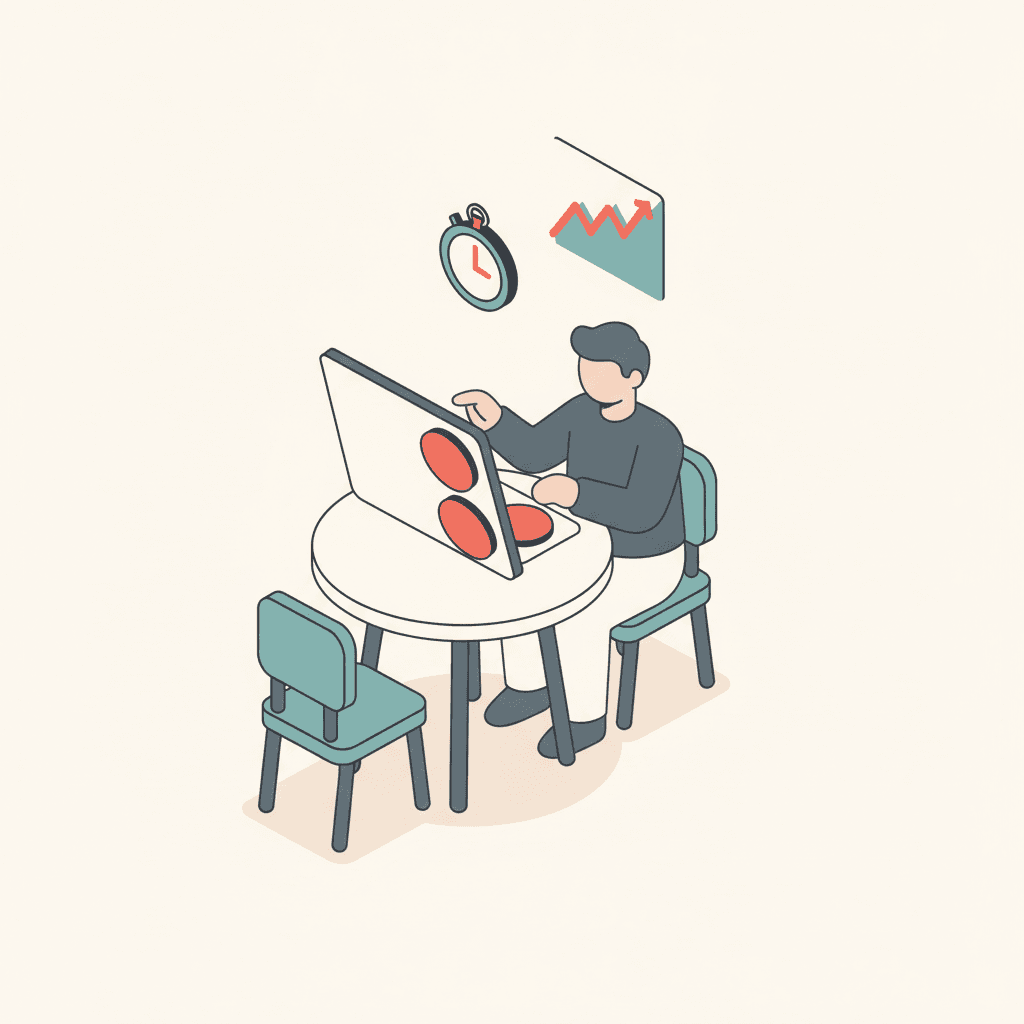
A duration timer that stops when the tablet sleeps or the RBT switches targets gives false data. Timers should run from timestamps, not tick counters.
5. Safe sync on a weak connection
Therapy happens in homes, clinics and schools. Each tap needs its own ID and a retry queue so nothing is lost or double-counted, and undo should be one tap.
6. Big, forgiving controls
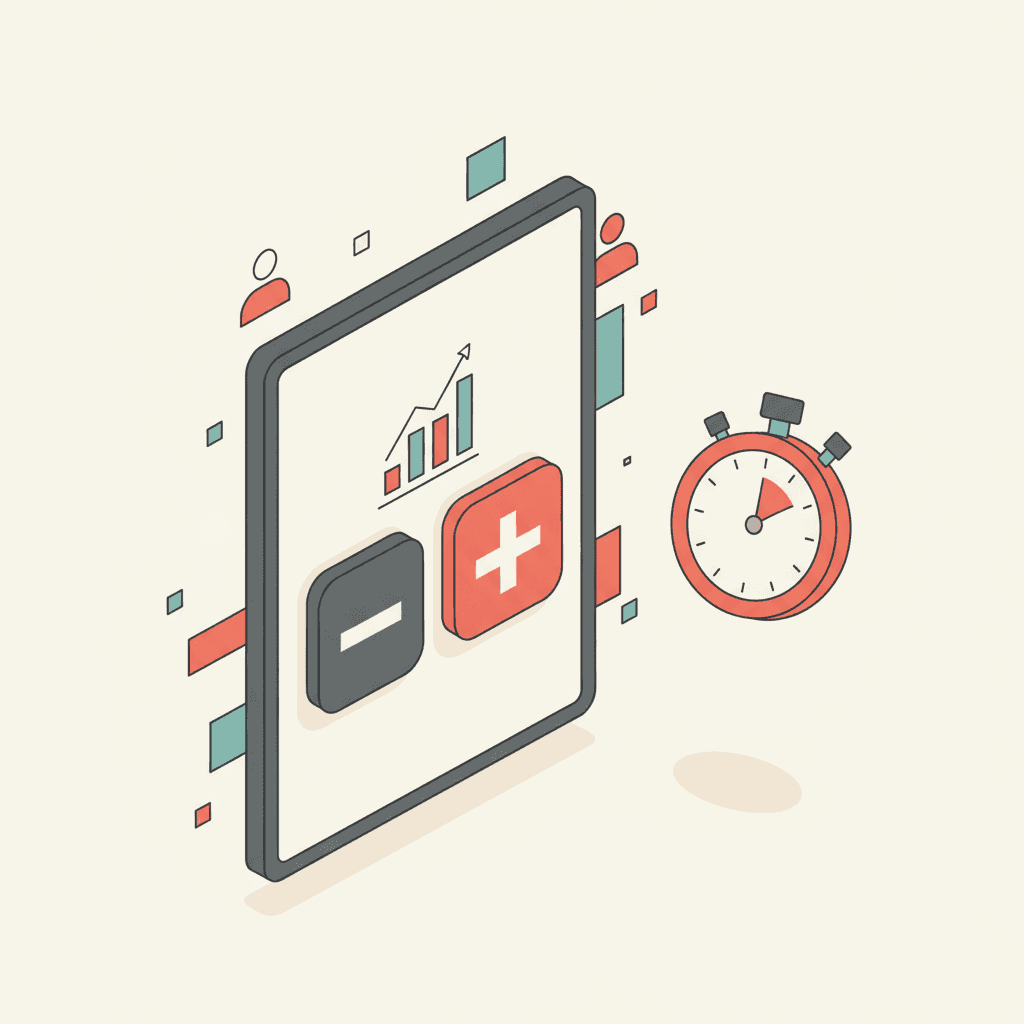
Buttons sized for a tablet held on a lap, one tap per response, and no menus mid-trial. Test it with a real RBT and a squirmy session, not in a demo.
7. Graphs per target, by phase
One point per session in the measure that matters, separate lines per phase and a visible mastery line. See ABA graphing software: 9 features.
8. Mastery you can explain
The app should state the rule (for example "80% independent over 3 consecutive sessions") and show the badge, while leaving the phase change to a BCBA. Read ABA mastery criteria examples.
9. Late entry with a flag
Missed entries happen. A limited, clearly flagged late-entry window beats silent backfilling. TargetFlo allows up to five days and marks the session as late.
10. Signed, immutable session notes
The renderer attests and signs; a signed note should never change, and corrections should be signed addenda. See ABA session notes: examples and a template.
11. A billing gate
Data and a signed note should be required before a charge is created. That single rule removes a large share of held and denied claims. See signed note to paid claim.
12. HIPAA-aware handling
Encryption of PHI at the application layer, audit trails for access, and role-based visibility so RBTs only see their clients. See HIPAA-aware design choices.
How TargetFlo scores
TargetFlo's Data Collection covers items 1–6 and 8–12 today; offline mode is the one gap, and it is on the roadmap. The ABA data collection app page shows the RBT view, and the clinical data collection hub links every guide in this series.
- ABA data collection software
- behavior data collection software
- best ABA data collection app
- ABA software for RBTs
- real-time ABA session data
See it in TargetFlo
Run a session in the demo
Book a 30-minute demo. We start a session from the schedule, collect trials, timers and ABC on a tablet, graph the target against its mastery line, and sign the note that makes the session billable.
Book a DemoFAQ